

What’s isolated per workspace
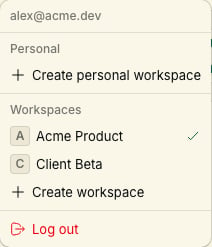
Switching workspaces
Use the workspace switcher in the Notiky sidebar (button showing the current workspace name). The CLI uses a default workspace:Inviting teammates
Open workspace Settings → Members to invite by email. Each member connects their own machine if they need a personal runtime.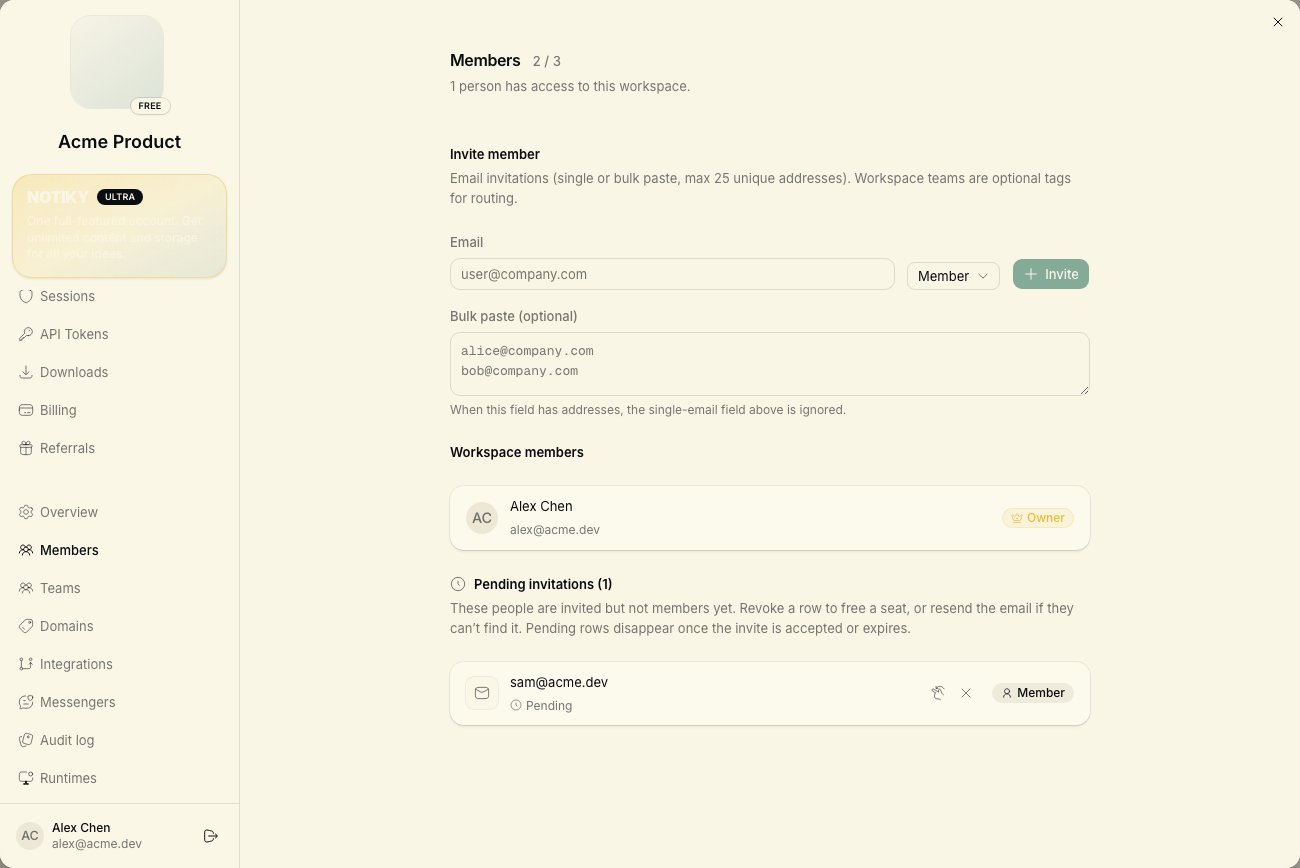
Daemon and multiple workspaces
The agent daemon watches all workspaces your account belongs to. Tasks route to the correct workspace based on where they were created and assigned.Each workspace requires its own member access. The daemon only picks up tasks for workspaces your account belongs to.