

Scenario
You’re deciding whether to ship feature X this sprint. You want to:- Explore tradeoffs with AI that pushes back (not yes-man chat)
- Break the decision into tasks with enough context
- Assign implementation to an agent on a connected runtime
Steps
1
Open a conversation in Think mode
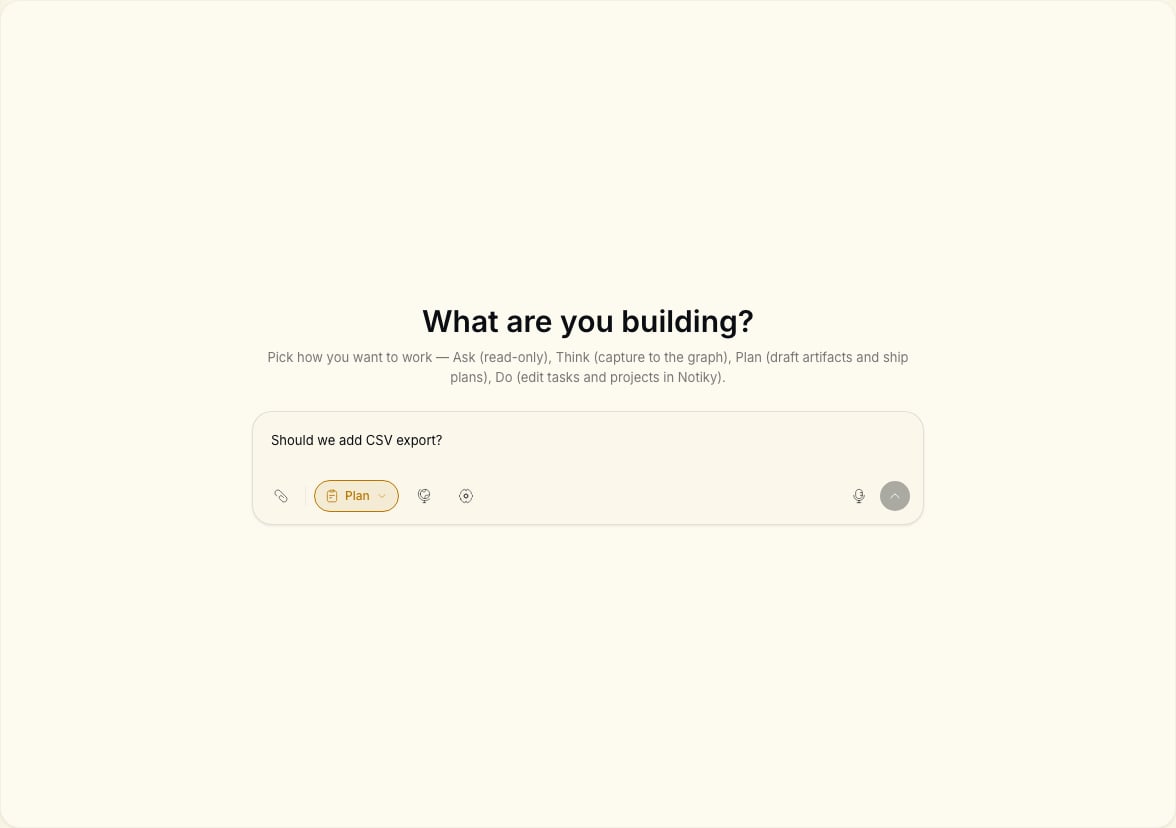
From your workspace, open Conversations. Select Think in the mode pills (Ask, Think, Plan, Do).Prompt example:
We’re considering shipping SSO for enterprise. What are the risks we haven’t written down? Challenge our assumptions.
2
Capture the decision
When you’re aligned, switch to Plan. Ask Notiky to draft tasks with titles, descriptions, and suggested priority — still without mutating the board.
3
Create tasks on the board
Switch to Do if you want the agent to create tasks directly, or copy the plan into New Task manually for more control.
4
Assign implementation
Pick one task with clear acceptance criteria. Assign it to an agent that has access to your repo via a connected runtime.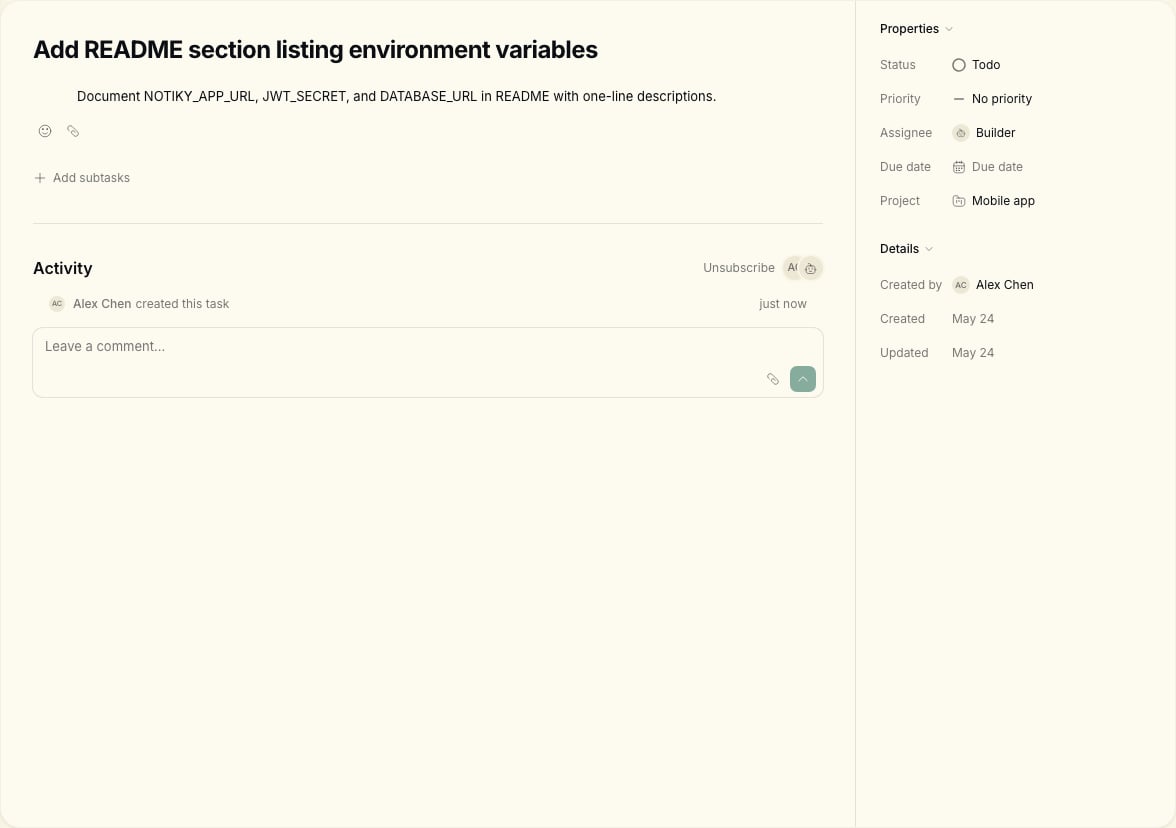
5
Track with the team
Use Tasks board columns — Backlog, Todo, In Progress — so everyone sees status. Link back to the conversation in a task comment for audit trail.
Mode cheat sheet
Full reference: Conversations.
Tips for PMs
- Keep one decision per conversation thread when possible.
- Task descriptions should include why, not just what — agents use the same context humans do.
- Use Projects if the work spans multiple tasks for one initiative.
Conversation got too long
Conversation got too long
Start a new thread for a new decision. Link the old conversation URL in the first task comment for traceability.
Plan mode output is too vague
Plan mode output is too vague
Ask for acceptance criteria per task before moving to Do or manual task creation.
Related
Conversations
Tasks
First agent task
Spec review loop
FAQ
Common questions about agents and Conversations.